
Guide
Chipotle Calorie Counter Guide
Use this guide to understand how the Chipotle nutrition calc handles custom entree ingredients, sides, drinks, full order totals, and practical macro tracking.
What This Calculator Does
This page helps users calculate Chipotle calories and macros for custom bowls, burritos, tacos, salads, quesadillas, sides, drinks, and full orders. Custom Entree is the main workflow because most Chipotle orders are built from individual ingredient choices.
The calculator is built around U.S. Chipotle menu nutrition. It adds selected ingredient or item nutrition together and keeps protein, carbohydrates, and total fat prominent alongside calories.
How Chipotle Calories Are Calculated
Nutrition totals are built by adding together the standard nutrition values for the selected Chipotle ingredients or side items. For a custom entree, the calculator includes structural items such as a burrito tortilla, salad greens, or quesadilla tortilla and cheese when they apply.
Total nutrition = selected ingredients + selected sides and drinks Quantity multiplies the selected entree, side, drink, or order row after the base nutrition is calculated.
How to Use the Chipotle Calorie Counter
The calculator has three focused modes: Custom Entree for bowls, burritos, tacos, salads, quesadillas, and kids builds; Sides & Drinks for chips, queso, guacamole, bottled drinks, soda, tea, lemonade, and agua fresca; and Full Order Total for combining everything in one order.
- 1Custom Entree
Choose the entree type, add ingredients, set quantity, then calculate calories and macros.
- 2Sides & Drinks
Select the side or drink category, item, size when available, and quantity.
- 3Full Order Total
Add multiple entree, side, and drink rows to total the complete Chipotle order.
Chipotle Bowl and Burrito Macro Tracking
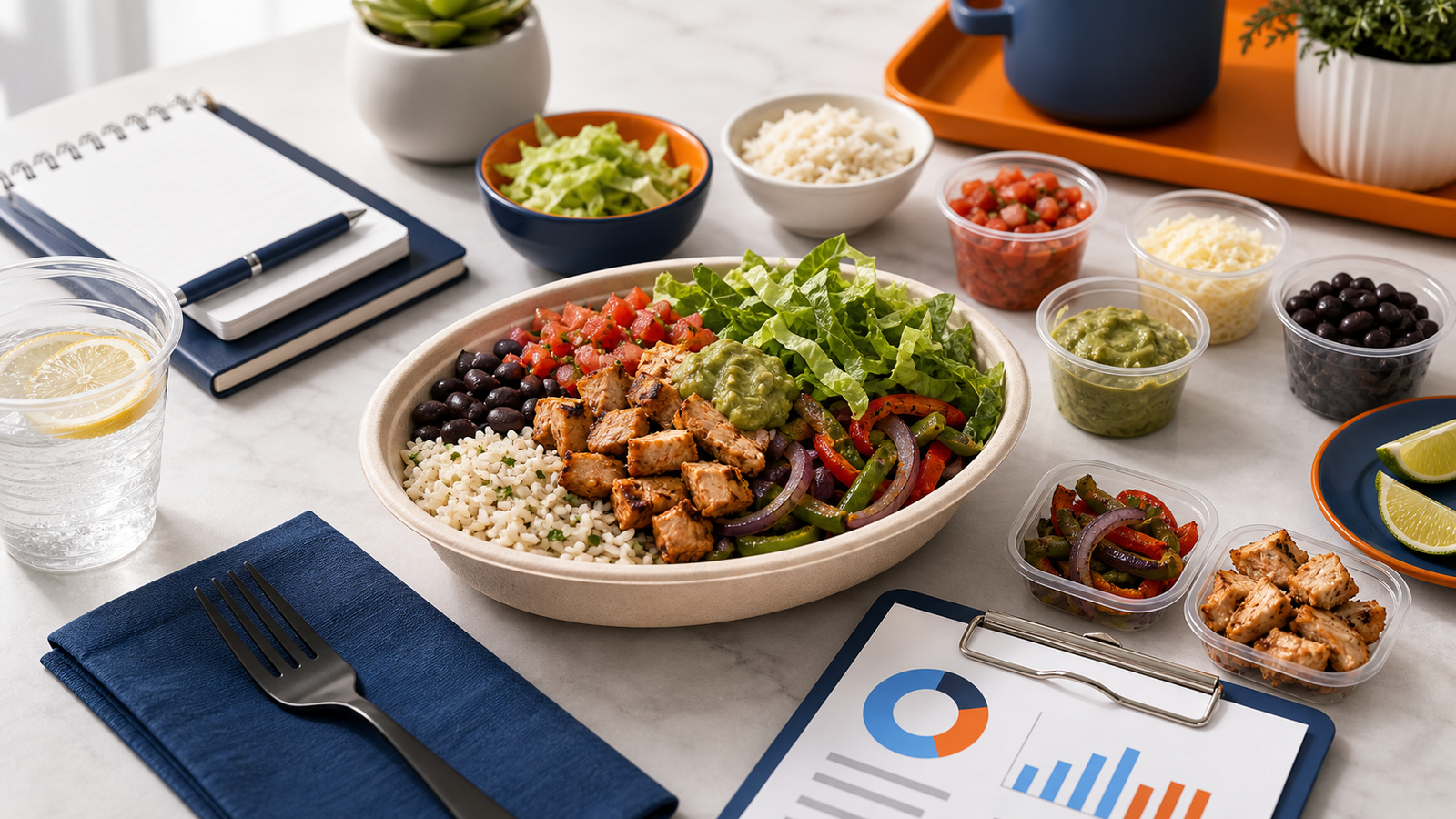
Bowls and burritos are ideal for macro tracking because each ingredient can change calories, protein, carbs, fat, fiber, sugar, and sodium. Rice and tortillas add most of the carbohydrates, proteins affect protein and fat, and toppings such as cheese, sour cream, queso, and guacamole can shift fat and calories quickly.
Rice and shell
White rice, brown rice, burrito tortillas, and taco shells can be major carb sources.
Protein
Chicken, steak, barbacoa, carnitas, sofritas, or veggie choices shape protein and fat.
Beans and salsa
Beans add fiber and carbs, while salsa can add sodium and small calorie differences.
Creamy toppings
Cheese, sour cream, queso blanco, and guacamole can move calorie and fat totals fast.
Chips, Queso, Drinks, and Extras
Sides and drinks can add meaningful calories, sugar, sodium, and fat to a Chipotle order. Chips, chips with guacamole, chips with queso, bottled drinks, lemonade, and agua fresca should be included when you want a realistic full-order total.
Use Sides & Drinks for a quick single item lookup, or use Full Order Total when a side or drink is part of the same meal as a bowl, burrito, tacos, salad, or quesadilla.
Estimates vs Real Restaurant Portions
This Chipotle bowl calorie counter uses standard published-style ingredient and item nutrition values, but restaurant portions are assembled by hand. Limited-time items, ingredient changes, regional availability, and serving variation can affect real-world totals.
Treat the result as a practical nutrition estimate for planning and tracking. The calculator does not guess unsupported customizations beyond the modeled ingredient and item data.
How to Use This for Smarter Orders
- Compare ingredient combinations before ordering.
- Test a lower-calorie bowl by changing rice, beans, toppings, and sauces.
- Build a higher-protein meal by comparing protein choices and quantities.
- Compare rice, tortilla, and side choices before committing to a full order.
- Check how chips, queso, guacamole, and drinks change the full total.
- Use the result as a quick planning view, not a full diet-tracking app.