
Physics & Engineering calculator
PVWatts Calculator
Estimate grid-connected solar PV energy production with a PVWatts-style calculator using location, system size, orientation, module type, losses, and advanced PV settings.
Solar production result
PVWatts calculator results
Your PV estimate will appear here
Enter your location and system details, then click Calculate. Results are not shown before you run the calculator.
Annual AC Energy Output
Capacity Factor
Annual DC Output
Annual Solar Radiation
Weather Basis
Monthly production chart
Monthly results table
| Month | AC output | DC output | POA irradiance | Solar radiation |
|---|
Key settings
Scenario comparison
Representative hourly output sample
Shown as an approximate typical-day profile from the strongest production month, not an official hourly weather file.
PVWatts is a registered trademark of Alliance for Sustainable Energy, LLC. This page is a PVWatts-style preliminary estimator unless connected to an official NREL PVWatts API endpoint.
Calculator overview
Quick PVWatts Calculator Overview
Use this PVWatts calculator to estimate solar PV energy output from system size, sun hours, losses, tilt, and local assumptions. It is a practical planning estimate for comparing solar production scenarios.
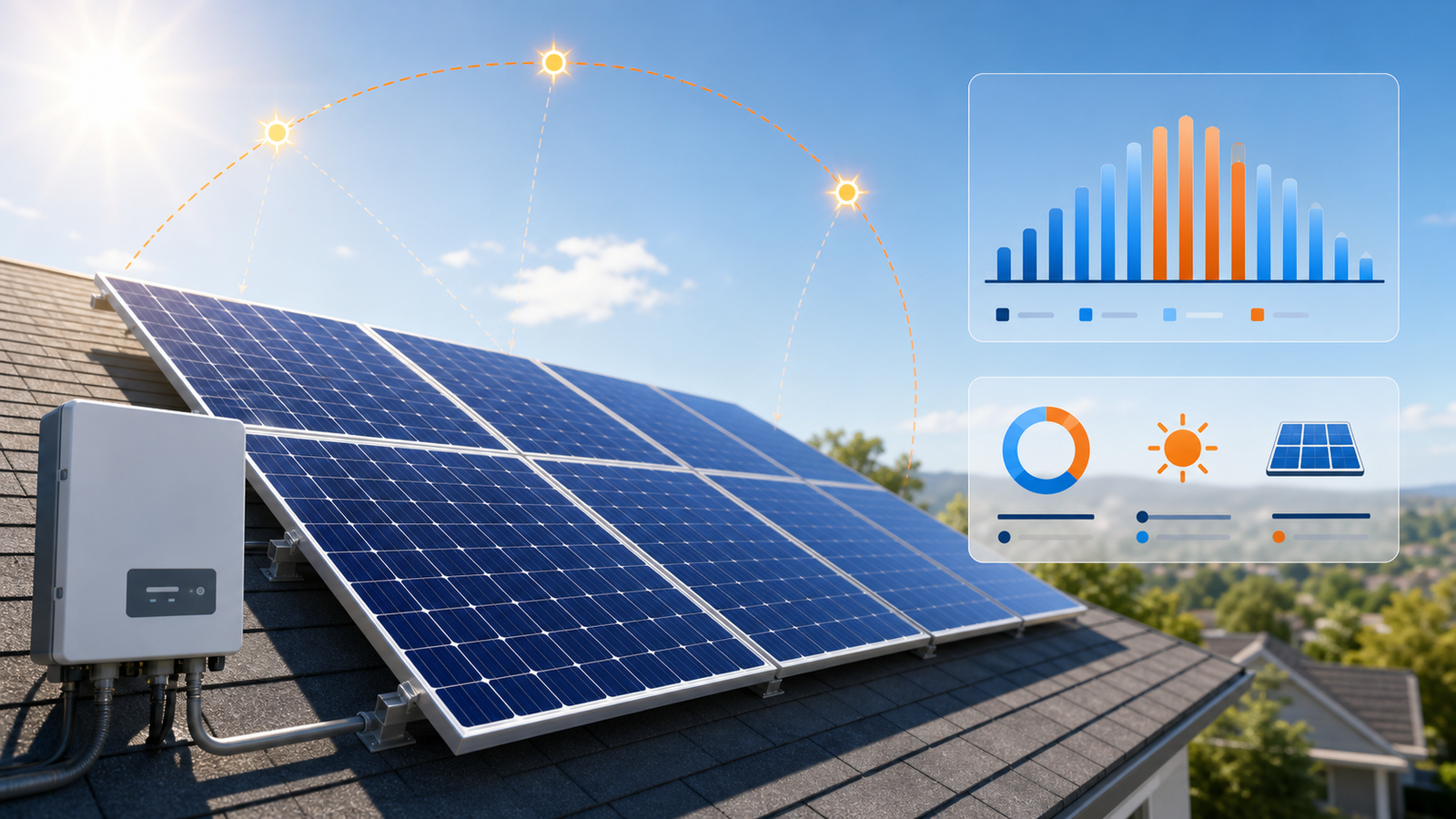
Enter solar system assumptions to estimate monthly and annual PV energy output.
Guide
PVWatts Calculator Guide
Use this guide to understand PVWatts-style solar production inputs, advanced PV assumptions, monthly output, capacity factor, and when a preliminary estimate should move to a more detailed model.
What This Calculator Does
This PVWatts Calculator estimates the energy production of a grid-connected solar PV system from location and system design inputs. It is built around the same practical question as the official PVWatts tool: how much energy might a PV system produce in a typical year?
The page is structured for a server-side official PVWatts API integration. In the current static experience, results are labeled as PVWatts-style preliminary estimates instead of official NREL PVWatts outputs.
Unofficial preliminary estimate
This MultiCalculators page is not the official PVWatts calculator. Use the official PVWatts site or API when you need the authoritative PVWatts model response for a project record.
What PVWatts Is Best For
PVWatts is best for quick preliminary estimates of PV production. It is useful when comparing basic solar designs, checking roof orientation, reviewing system size, or preparing an early feasibility conversation.
It is not a full engineering, bankability, storage, shading, degradation, or finance model. For those workflows, use more detailed modeling tools and project-specific data.
PVWatts, PV Watts, and Official Estimates
PVWatts is sometimes searched as PV watts, NREL PVWatts, or PVWatts solar calculator. The search intent is usually the same: estimate energy production for a grid-connected photovoltaic system from location and design assumptions.
This page explains the PVWatts-style inputs and local preliminary estimate, then points to the official calculator and API for users who need the source-of-truth model output.
Inputs That Matter Most
Location drives the weather resource. System capacity sets the DC array size. Array type, module type, tilt, azimuth, and losses shape the annual and monthly output. Small changes in orientation or loss assumptions can materially change a pv watts solar calculator result.
Location
Sets the solar resource basis and should be as specific as the model supports.
Capacity
Uses DC kW as the main PV system size input.
Tilt and azimuth
Describe how the array is angled and which direction it faces.
Losses
Represents wiring, mismatch, soiling, availability, and other practical system losses.
Advanced PVWatts Inputs
Advanced PVWatts settings provide more control over assumptions such as DC/AC ratio, inverter efficiency, ground coverage ratio, bifaciality, albedo, monthly soiling losses, and weather-source behavior.
Keep these settings close to defensible project assumptions. If the official NREL PVWatts API is connected later, these fields should be validated server-side before the request is sent.
Understanding the Results
The main result is annual AC energy output in kWh. Monthly AC and DC output show seasonal production shape. Solar radiation describes the resource basis, and capacity factor summarizes annual output relative to rated system capacity.
When hourly output is enabled in this static version, the hourly view is a representative sample for exploration, not an official hourly weather file. Official hourly fields should come from the PVWatts API or a detailed modeling workflow.
How to Use
- 1Enter a location
Use a city, ZIP, address, or direct latitude and longitude.
- 2Add system details
Enter DC capacity, array type, module type, losses, tilt, and azimuth.
- 3Use advanced settings if needed
Adjust inverter, DC/AC ratio, GCR, bifaciality, albedo, soiling, and output settings.
- 4Click Calculate
The result appears only after you run the calculator.
- 5Review and compare
Check annual output, monthly output, warnings, weather notes, and scenario comparisons.
PVWatts API and Software Notes
- PVWatts is an NREL solar production tool available through the PVWatts website and API.
- More advanced or programmatic workflows often move into SAM, SSC, or PySAM when detailed modeling is needed.
- API keys and private credentials should stay server-side.
- This page keeps the request architecture modular so an official PVWatts API integration can be added safely later.
Sources and Model Boundaries
Reviewed July 8, 2026. The page follows the public PVWatts workflow and labels local fallback results as preliminary. The official PVWatts V8 API defines required inputs such as system capacity, module type, losses, array type, tilt, azimuth, and location, plus optional controls such as DC/AC ratio, inverter efficiency, albedo, soiling, and hourly output.
- Official calculator: PVWatts Calculator.
- API reference: PVWatts V8 API documentation.
- Use case: early production estimates and scenario comparison, not final bankability, shading, degradation, storage, or finance modeling.
- Project review: real installations should be checked with site-specific shade, roof, electrical, utility, and installer data.
Tips / Notes
- Treat this PVWatts solar calculator as an early feasibility tool.
- Location, orientation, mounting type, and loss assumptions strongly affect output.
- Real projects may need shading, degradation, storage, interconnection, or finance modeling.
- PVWatts is associated with NREL.
- This MultiCalculators page is not the official NREL PVWatts website unless it is explicitly connected to the official PVWatts API and labeled as such.
FAQ
Frequently Asked Questions
Clear answers about PVWatts, NREL-style solar production estimates, annual output, and advanced PV settings.
What does the PVWatts Calculator do?
It estimates annual and monthly energy production for a grid-connected solar PV system from location, system capacity, array type, module type, losses, tilt, and azimuth.
Is this based on the official NREL PVWatts workflow?
The interface follows a PVWatts-style workflow and is structured for a server-side official PVWatts API connection. Until that endpoint is connected, the on-page output is clearly labeled as a preliminary local estimate.
Is this the official PVWatts calculator?
No. This is an unofficial MultiCalculators PVWatts-style estimator. Use the official PVWatts website or PVWatts API when you need the authoritative model response.
What inputs do I need to run a PVWatts estimate?
For a quick estimate, enter a location, DC system capacity, array type, module type, system losses, tilt, and azimuth. Advanced mode adds inverter, DC/AC ratio, GCR, bifaciality, albedo, monthly soiling, and weather-source controls.
What is the difference between Quick Estimate and Advanced PVWatts Settings?
Quick Estimate keeps the calculator fast with the main solar design inputs. Advanced PVWatts Settings exposes engineering controls for module, inverter, geometry, losses, weather assumptions, and hourly sample output.
What do annual AC output and capacity factor mean?
Annual AC output is the estimated yearly energy delivered after system losses and inverter conversion. Capacity factor compares that annual output with the energy the system would produce if it ran at rated DC capacity all year.
When should I use a more detailed tool than PVWatts?
Use more detailed modeling when shading geometry, degradation, storage, clipping, curtailment, finance, bankability, or site-specific engineering assumptions need deeper review.