
Aspect preview
Technology & Computing calculator
Aspect Ratio Calculator
Calculate aspect ratio from width and height, resize dimensions without distortion, and compare image, screen, and print sizes in one place.
Result
Aspect ratio calculator results
Your results will appear here
Enter your values and click Calculate to see the result.
Main result
Aspect ratio describes shape. Resolution, DPI, screen density, and print quality may still need separate checks.
Calculator overview
Quick Aspect Ratio Calculator Overview
Use this aspect ratio calculator to resize dimensions, find missing width or height, calculate screen size from diagonal, and compare image or print fit. It supports pixels, inches, centimeters, and millimeters.
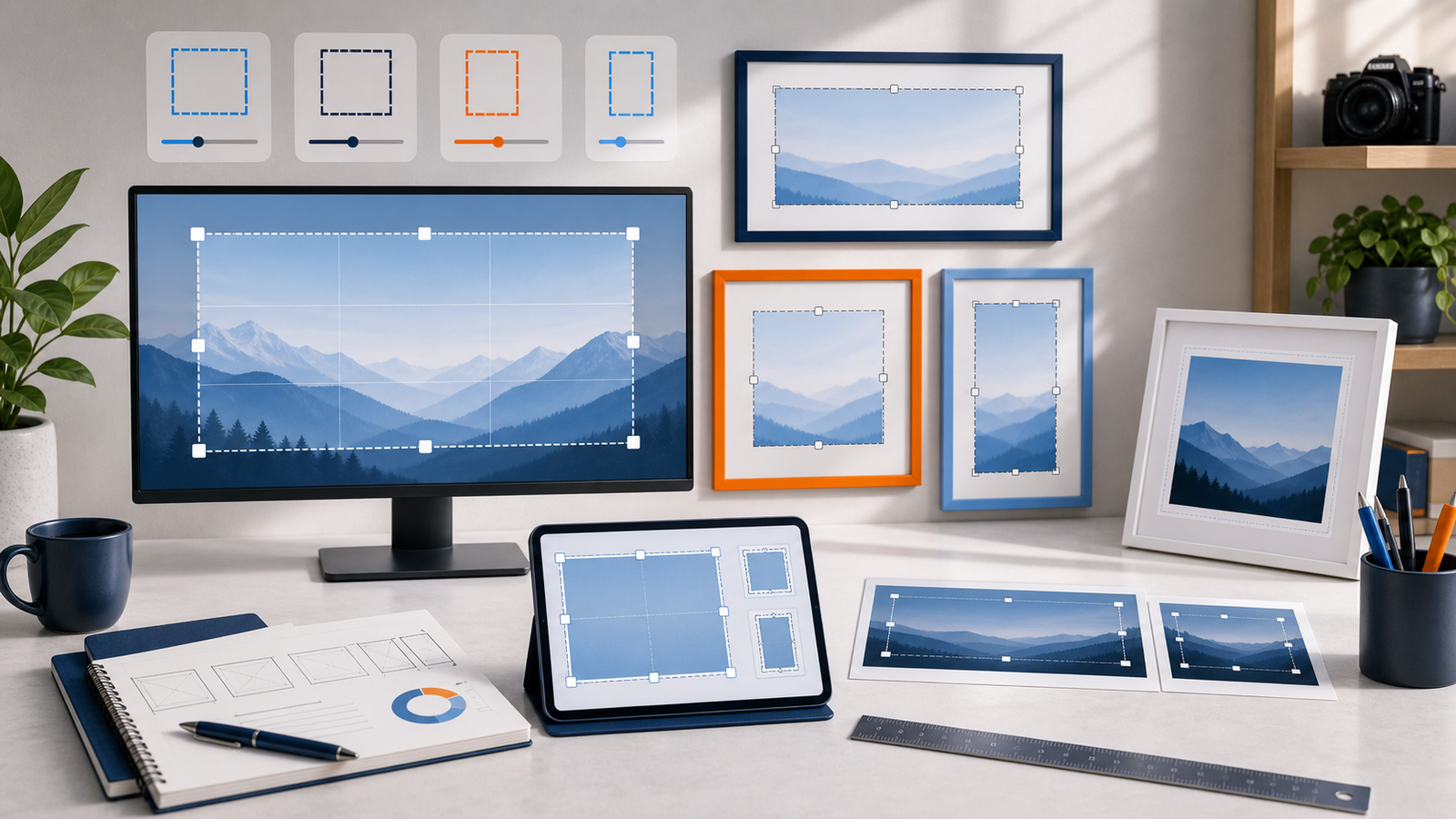
Enter dimensions or a preset ratio to calculate size, fit, or screen measurements.
Guide
Aspect Ratio Calculator Guide
Use this guide to understand aspect ratio, missing-dimension resizing, screen diagonal math, and image-to-print fit checks without turning the page into a full imaging manual.
What This Calculator Does
This aspect ratio calculator helps you preserve aspect ratio when resizing, find aspect ratio from width and height, calculate screen dimensions from a diagonal size, and compare source images with print or photo sizes.
It supports pixels, inches, centimeters, and millimeters where those units fit the workflow, so it can work as an aspect ratio calculator for images, screens, mobile layouts, and print size checks.
Formula
Aspect ratio describes shape. It is usually written as width:height, and the same ratio can appear at many different pixel or physical sizes.
Aspect ratio: aspect ratio = width / height
Missing height: new height = new width x original height / original width
Missing width: new width = new height x original width / original height
Screen width: diagonal x ratio width / sqrt(ratio width^2 + ratio height^2)
Screen height: diagonal x ratio height / sqrt(ratio width^2 + ratio height^2)
Print fit: scale to fit uses the smaller scale; fill and crop uses the larger scale.
If a source ratio and target ratio do not match, the image must either crop, stretch, or leave empty space. This calculator avoids stretching and shows the practical crop or padding outcome.
Example Calculation
To resize 1920 x 1080 to a new width of 1600, first simplify 1920:1080 to 16:9. Then calculate new height = 1600 x 9 / 16 = 900, so the resized dimensions are 1600 x 900.
To simplify 4032 x 3024, divide both sides by their greatest common divisor. The result is 4:3, which is a common photo and tablet shape.
A 27-inch 16:9 screen is about 23.53 inches wide and 13.24 inches tall. A 3:2 photo does not fit an 11x14 print exactly, so it needs either cropping or borders.
How to Use
- 1Choose the correct mode
Use Resize, Ratio Finder, Screen Size, or Print & Photo Fit.
- 2Enter your source values
Provide width and height, diagonal size, or print dimensions depending on the mode.
- 3Select a preset or custom ratio
Use common presets such as 16:9, 4:3, 3:2, 4:5, 9:16, 2:1, 2.35:1, or 11x14-style print shapes.
- 4Choose units and precision
Use pixels for images or inches, centimeters, and millimeters for physical dimensions.
- 5Click Calculate
Review the result, visual preview, and step-by-step explanation.
Tips / Notes
- Width-to-height ratio is usually written with a colon, such as 16:9.
- 16:9 and 4:3 are common screen and video ratios.
- 3:2 and 4:3 are common photo ratios.
- 11x14 is a print shape and often requires cropping from common camera ratios.
- Aspect ratio can stay the same even when pixel dimensions change.
- Portrait and landscape are swapped versions of a shape family.
Common Aspect Ratios and Where They're Used
1:1Square social posts and icons
3:2Many DSLR and mirrorless photos
4:3Phones, tablets, and many photos
4:5Portrait social content
16:9Widescreen video and displays
16:10Some monitors and laptops
9:16Vertical video and mobile screens
14:11Common 11x14 landscape print shape
2.35:1Cinematic ultra-wide framing
FAQ
Frequently Asked Questions
Clear answers about aspect ratio, resizing, 16:9 dimensions, screen sizes, and print cropping.
What is an aspect ratio?
Aspect ratio is the relationship between width and height. It describes shape, such as 16:9 for widescreen video or 4:3 for many photos and tablets.
How do I calculate aspect ratio from width and height?
Divide width by height, then simplify the width:height relationship. For example, 1920 x 1080 simplifies to 16:9.
How do I resize an image without changing its aspect ratio?
Enter the original width and height, then enter either the new width or the new height. The calculator finds the missing dimension that preserves the same shape.
How do I calculate 16:9 dimensions?
Use Resize mode with a 16:9 source size, or Screen Size mode with the 16:9 preset. A common example is 1920 x 1080 or 1280 x 720.
How do I find screen width and height from a diagonal size?
Use Screen Size mode. Enter the diagonal and aspect ratio, then the calculator applies the Pythagorean relationship between width, height, and diagonal.
Why does an image crop when printing to 11x14 or 8x10?
Cropping happens when the image ratio and print ratio do not match. Common 3:2 and 4:3 camera images often need cropping or borders for 11x14 or 8x10 prints.
Is aspect ratio the same as resolution?
No. Resolution is the actual pixel size, such as 1920 x 1080. Aspect ratio is the shape, so many resolutions can share the same ratio.