Balance meter
Higher bars show which part of the system is under more scenario pressure.

Technology & Computing calculator
Check whether your PC build is likely CPU-bound, GPU-bound, RAM-limited, platform-limited, or well balanced for your gaming target.
Choose your CPU, GPU, RAM, platform details, and target scenario, then click Calculate.
Likely Bottleneck
Higher bars show which part of the system is under more scenario pressure.
Severity bars are internal comparison bands, not universal bottleneck percentages.
Bottleneck results are scenario estimates, not fixed facts. Game engines, maps, drivers, thermals, power limits, memory configuration, and graphics settings can change the limiting component.
Calculator overview
Use this PC bottleneck calculator to analyze whether a build is likely CPU-bound, GPU-bound, RAM-limited, platform-limited, or balanced for a chosen scenario. It avoids fake universal percentages and explains the assumptions.
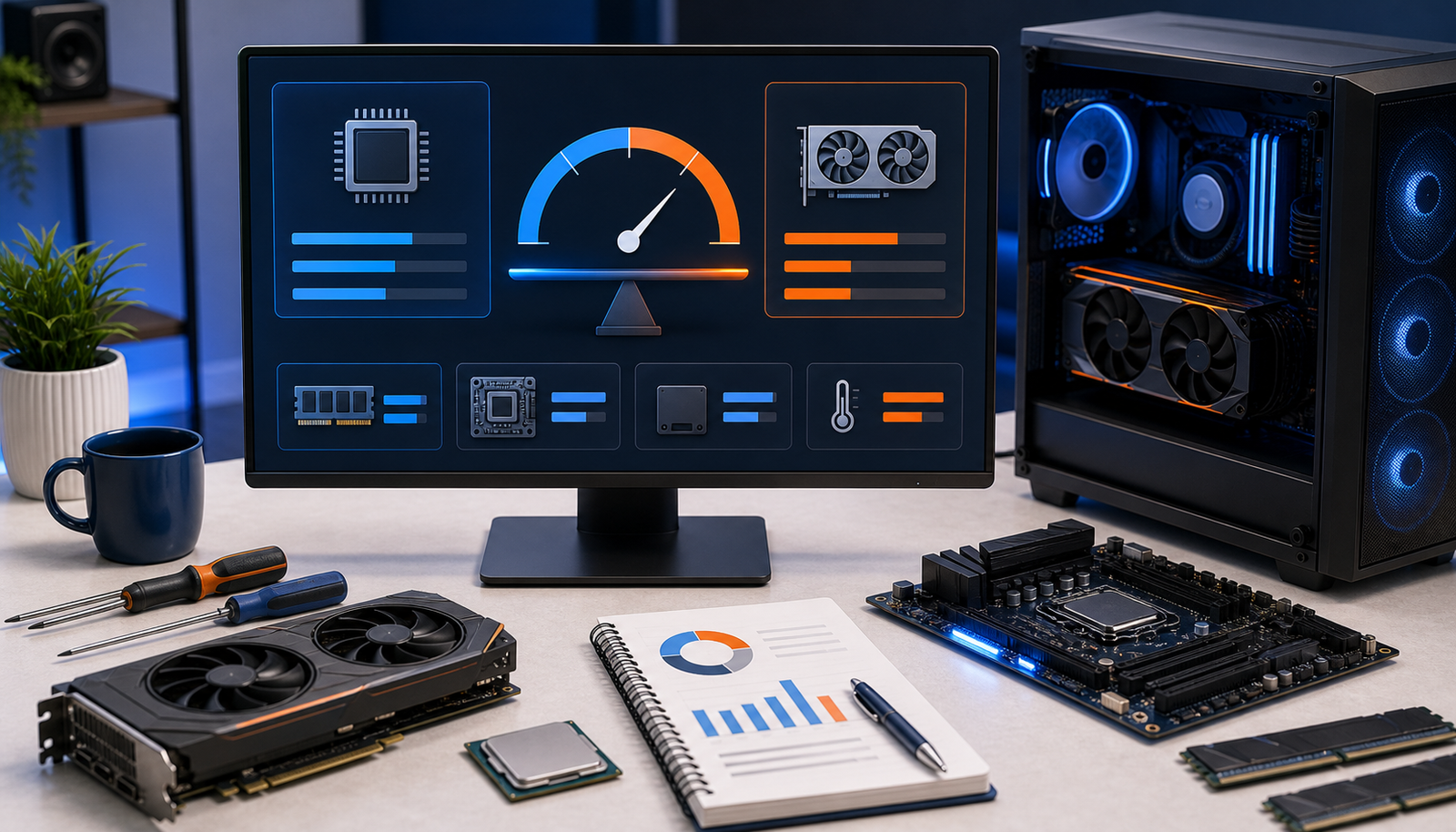
Choose CPU, GPU, RAM, resolution, and target FPS to estimate the likely bottleneck.
Guide
This guide explains how the bottleneck checker compares CPU, GPU, RAM, and platform pressure without pretending that one fixed percentage applies to every game.
This PC bottleneck calculator analyzes likely limits in a gaming PC or laptop build. It considers the selected CPU, GPU, RAM amount, memory channel mode, PCIe generation, Resizable BAR status, resolution, graphics preset, workload profile, and target FPS.
The output works as a CPU GPU bottleneck calculator, PC bottleneck checker, RAM bottleneck calculator, and motherboard bottleneck calculator for practical build planning.
A bottleneck means one part limits the overall result before the other parts are fully used. In gaming, a CPU may limit high frame rates, while the GPU may limit higher resolutions, Ultra settings, and visually heavy games.
Bottlenecks are not fixed forever. The same RTX 3070 build can look CPU-limited at 1080p high refresh and GPU-limited at 1440p or 4K with heavier graphics settings.
This page is meant for searches like bottleneck calculator, PC bottleneck calculator, bottleneck PC calculator, CPU bottleneck calculator, and CPU GPU bottleneck calculator. Instead of returning one universal percentage, it evaluates the CPU, GPU, RAM, platform, and gaming target together.
That context matters because a pairing can be balanced at 1440p, CPU-limited at 1080p high refresh, or GPU-limited at 4K Ultra. The result is a planning signal for upgrades, not a benchmark replacement.
The analyzer compares CPU and GPU strength in context, then applies scenario weighting for resolution, graphics preset, target FPS, workload class, RAM configuration, and platform details. Lower resolutions and high FPS targets increase CPU sensitivity. Higher resolutions and Ultra settings usually increase GPU pressure.
RAM and motherboard factors are included as secondary modifiers. They matter most when memory capacity is low, memory is single-channel, PCIe mode is old, or platform features are disabled.
Select desktop or laptop so similarly named parts are not mixed silently.
Choose the closest supported parts from the curated list.
Pick the workload, resolution, graphics preset, and target FPS.
Include memory amount, channel mode, PCIe generation, and Resizable BAR status.
Review the bottleneck summary, severity band, balance meter, assumptions, and upgrade advice.
Strong GPU + weaker CPUCommon at 1080p high refresh, especially in esports and competitive shooters.
Midrange CPU + entry GPU at 4KThe GPU usually becomes the first limit at high resolution and heavier presets.
Good CPU/GPU pair with 8 GB RAMAverage FPS may look acceptable, but consistency and 1% lows can suffer.
Modern GPU on older platformPCIe mode, BIOS settings, or missing platform features can become secondary limits.
RTX 3070 with older CPUMay be balanced at 1440p, but CPU-sensitive at 1080p and 144 FPS targets.
Laptop with mobile GPUPower limits and thermals can change results more than the model name suggests.
FAQ
Short answers about CPU, GPU, RAM, motherboard, resolution, and target-FPS bottleneck analysis.
A PC bottleneck happens when one part of the system limits performance before the rest of the build can be fully used. In gaming, that part is often the CPU or GPU, but RAM and platform settings can also matter.
It compares CPU, GPU, RAM, and platform pressure in the context of your workload, resolution, graphics preset, and target FPS. It returns a severity band and explanation instead of a fake universal percentage.
Yes. It is built for CPU GPU bottleneck calculator, PC bottleneck calculator, bottleneck PC calculator, and RAM bottleneck calculator searches by comparing the part pairing in a specific resolution, game, and target-FPS context.
Yes. A PC can be CPU-limited in high-refresh esports at 1080p and GPU-limited in a demanding AAA game at 4K.
RAM can cause performance limits when capacity is too low or memory runs in single-channel mode. It often affects smoothness and 1% lows before it becomes the main average-FPS limiter.
Usually motherboard effects are secondary, but older PCIe modes, BIOS settings, Resizable BAR support, or platform limits can affect some GPU pairings.
It is a practical scenario estimate, not a benchmark guarantee. Results can change with games, drivers, patches, cooling, power limits, and background tasks.
It depends on the CPU and the scenario. An RTX 3070 may be GPU-limited at 1440p Ultra, but a weaker CPU can limit high-refresh 1080p esports or Warzone-style targets.
Search MultiCalculators
Search calculators, categories, and helpful site pages.
Popular calculators and categories
No matching calculators found. Try a broader term or browse by category.